Lookato brand
Living guidelines for logos, colours, typography, and usage rules. Use the live component and download the source assets below.
Logo system
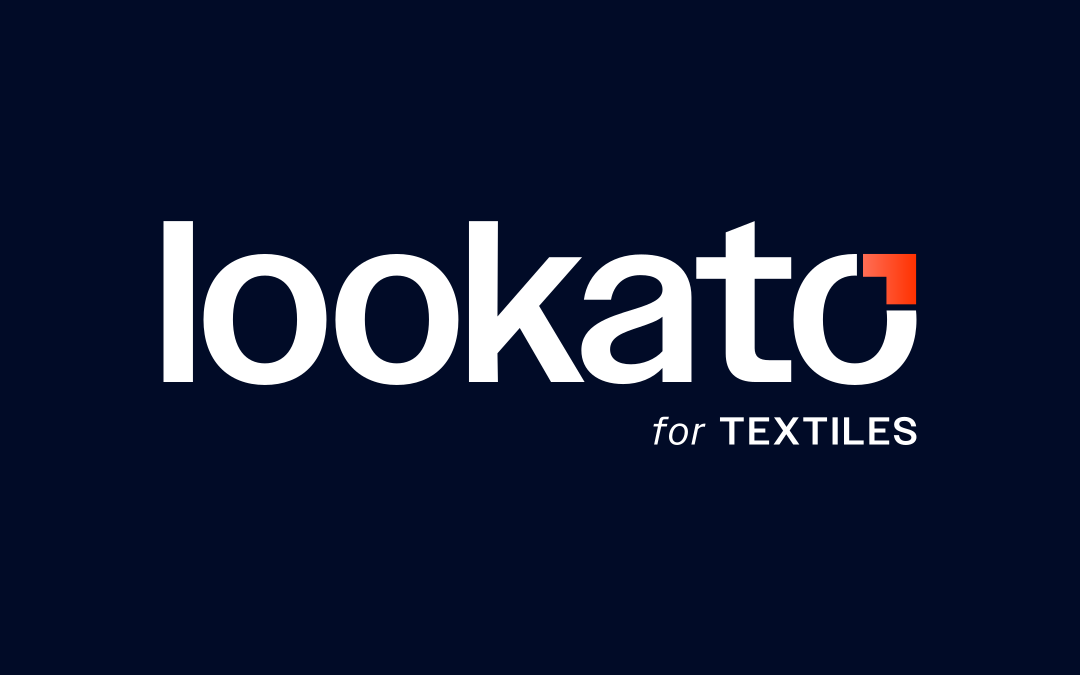
Three variants share the same wordmark and notch-mark. The notch accent changes colour per sub-brand. Import <Logo> — it adapts fills to the active theme automatically.
Lockup — paper
Lockup — ink
Mark — paper
Mark — ink
Lockup + tagline — paper
Lockup + tagline — ink
Mark — paper
Mark — ink
Lockup + tagline — paper
Lockup + tagline — ink
Mark — paper
Mark — ink
Brand palette
Type system
Three faces, each with a specific role. Never substitute.
Use for: hero headings, section titles, display text. Variable weight 300–800.
Use for: body copy, labels, UI text, captions. Default page font.
Use for: SQL, code snippets, metrics, numeric data tables.
Breathing room
Clear space = the height of the notch on all sides. Minimum sizes: lockup ≥ 96 px wide; mark ≥ 16 px wide.
Lockup — clear space (notch height on all sides)
Mark — clear space (notch height on all sides)
Do and don't
- ✓Use the provided
<Logo>component or the supplied SVG / PNG assets. - ✓Maintain the required clear space (notch height) on all sides.
- ✓Place the logo on high-contrast, clean backgrounds (paper white, ink navy, or solid brand colours).
- ✓Use the correct sub-brand variant for each product line (master, G&J, Textiles).
- ✓Respect minimum sizes: lockup ≥ 96 px wide; mark ≥ 16 px wide.
- ✕Recolour the wordmark or swap out the notch gradient.
- ✕Distort, stretch, or skew the logo in any dimension.
- ✕Add drop shadows, outlines, glows, or other effects to the logo.
- ✕Place the logo on busy, textured, or low-contrast backgrounds.
- ✕Recreate the logo in a different typeface or modify letterforms.
Asset downloads
SVG for digital and screen use; PNG for applications where SVG is not supported.